To me, this project represents my opinions on following a “leader” blindly. Growing up I struggled with acting independently. As a shy twin I treasured my sister’s role as the leader and was happy to follow blindly behind. After lessons learned, I believe that following blindly is never a good decision.
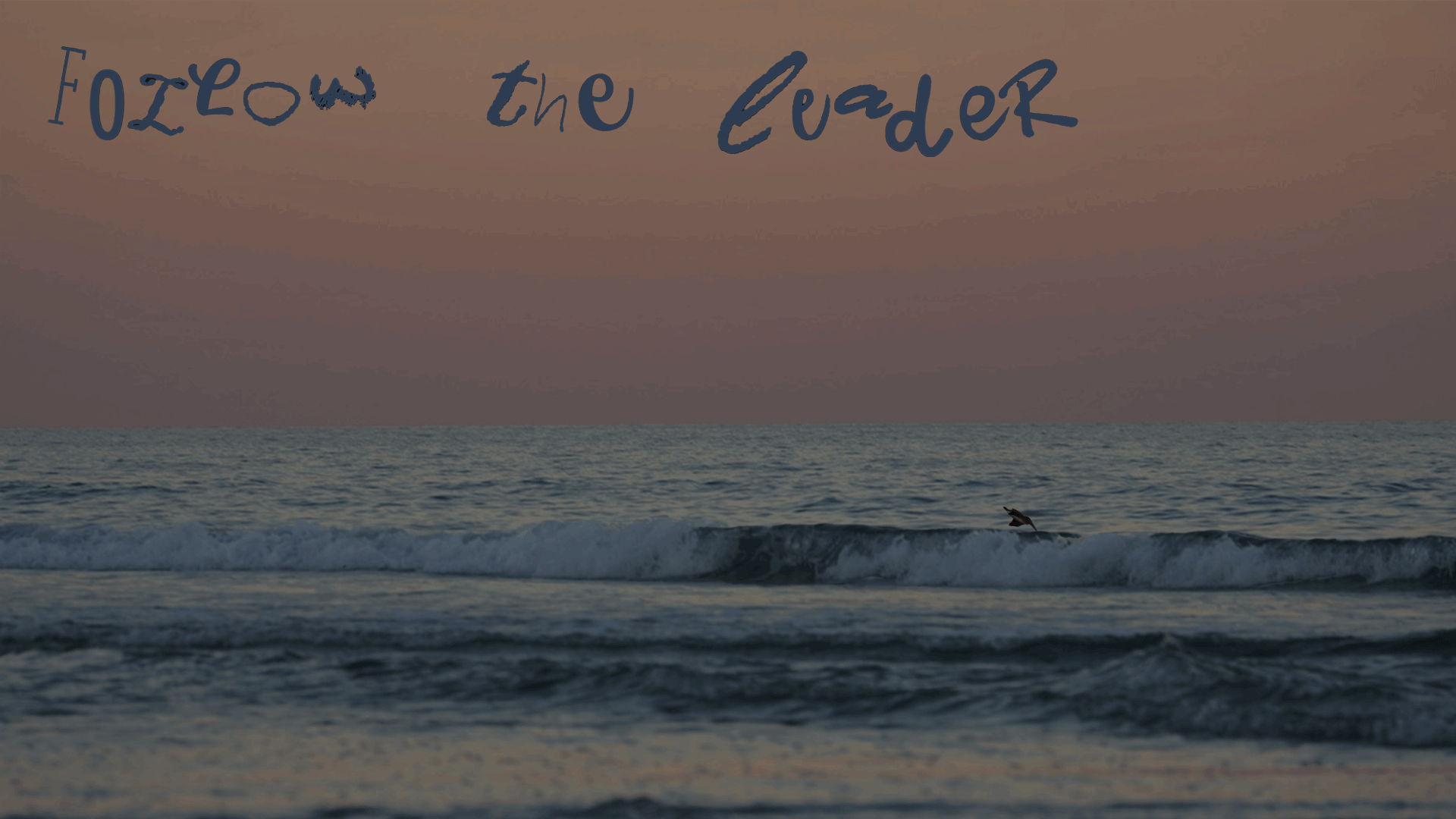
Three Collages- Step Two
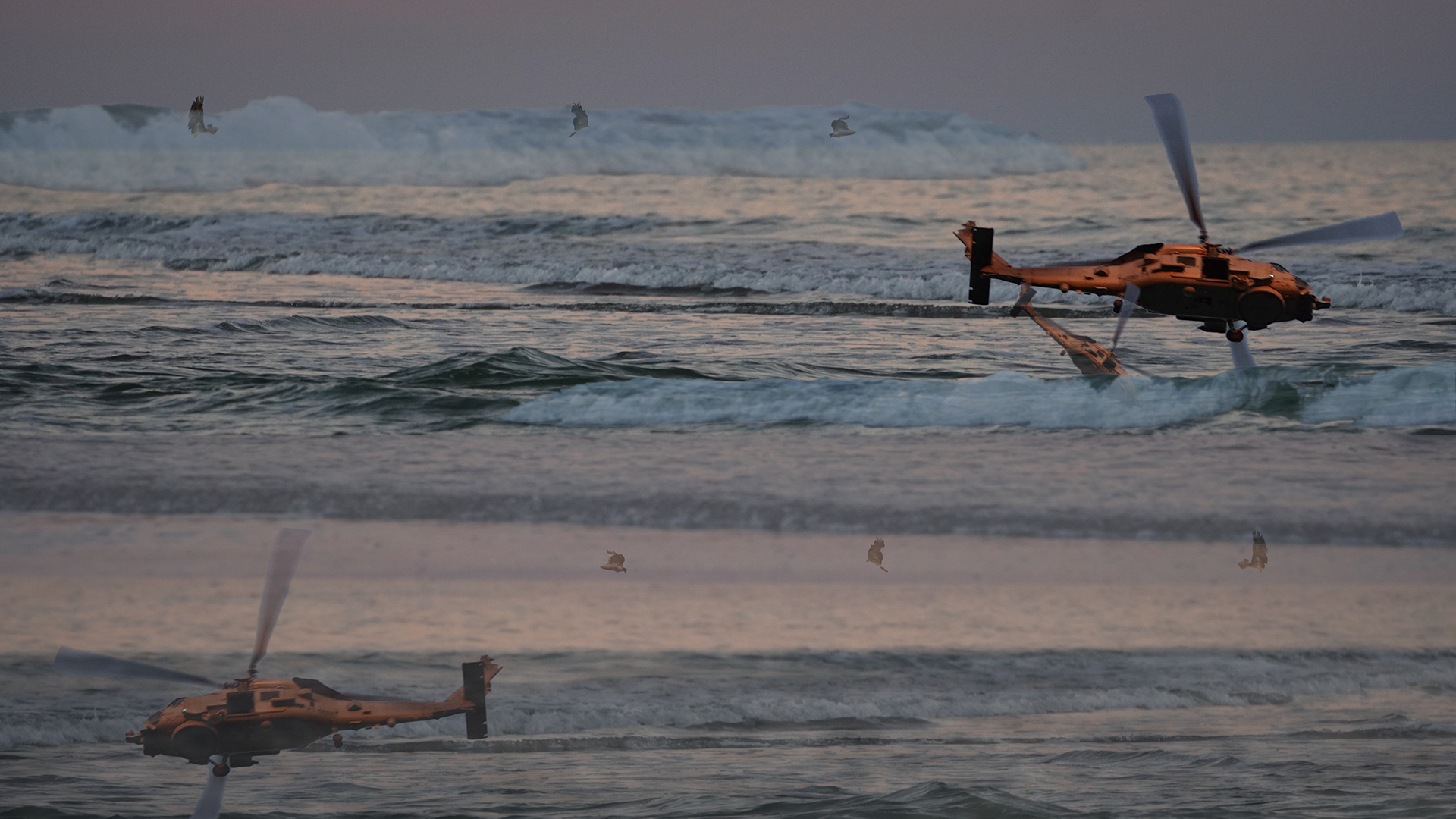
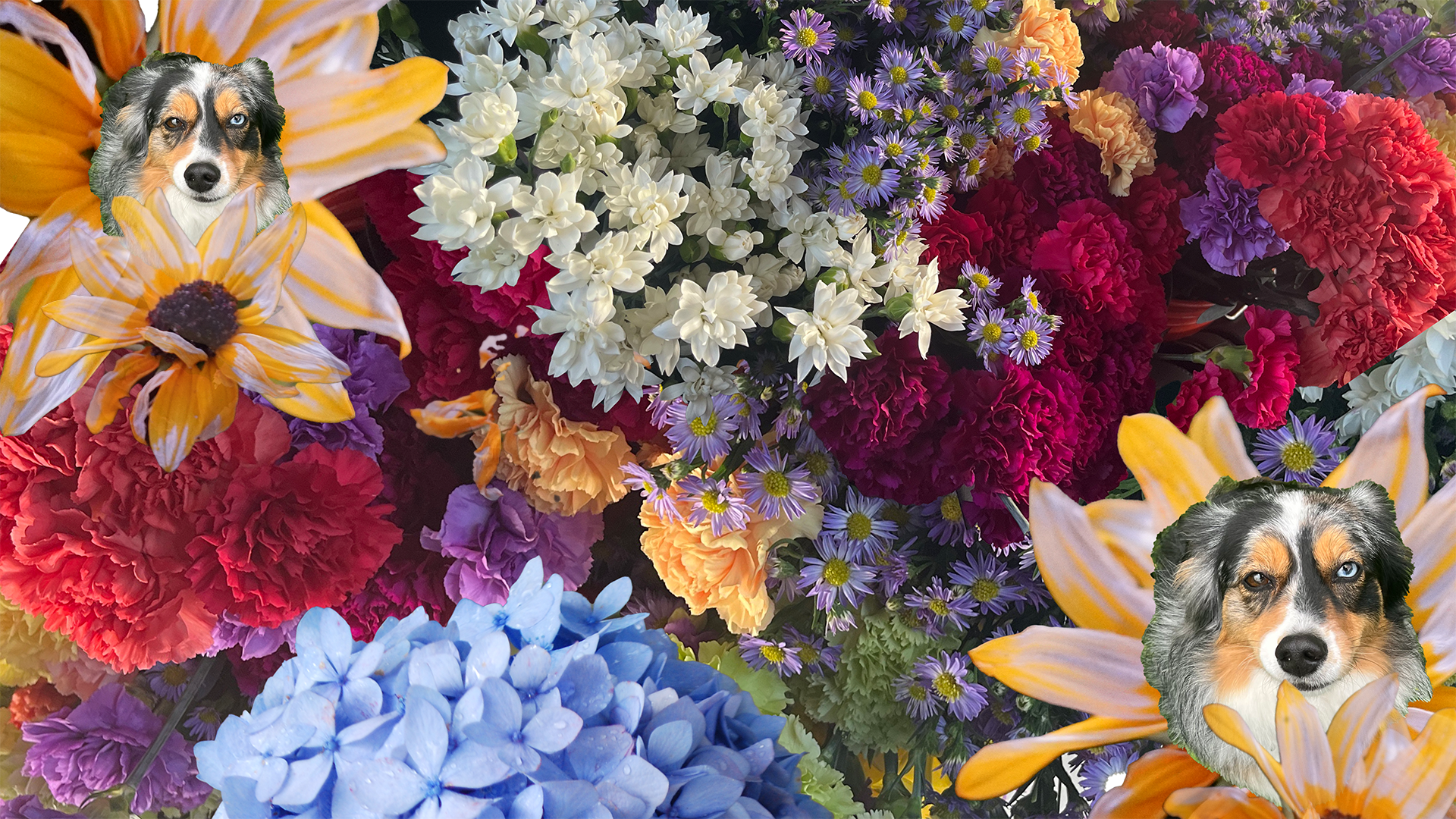
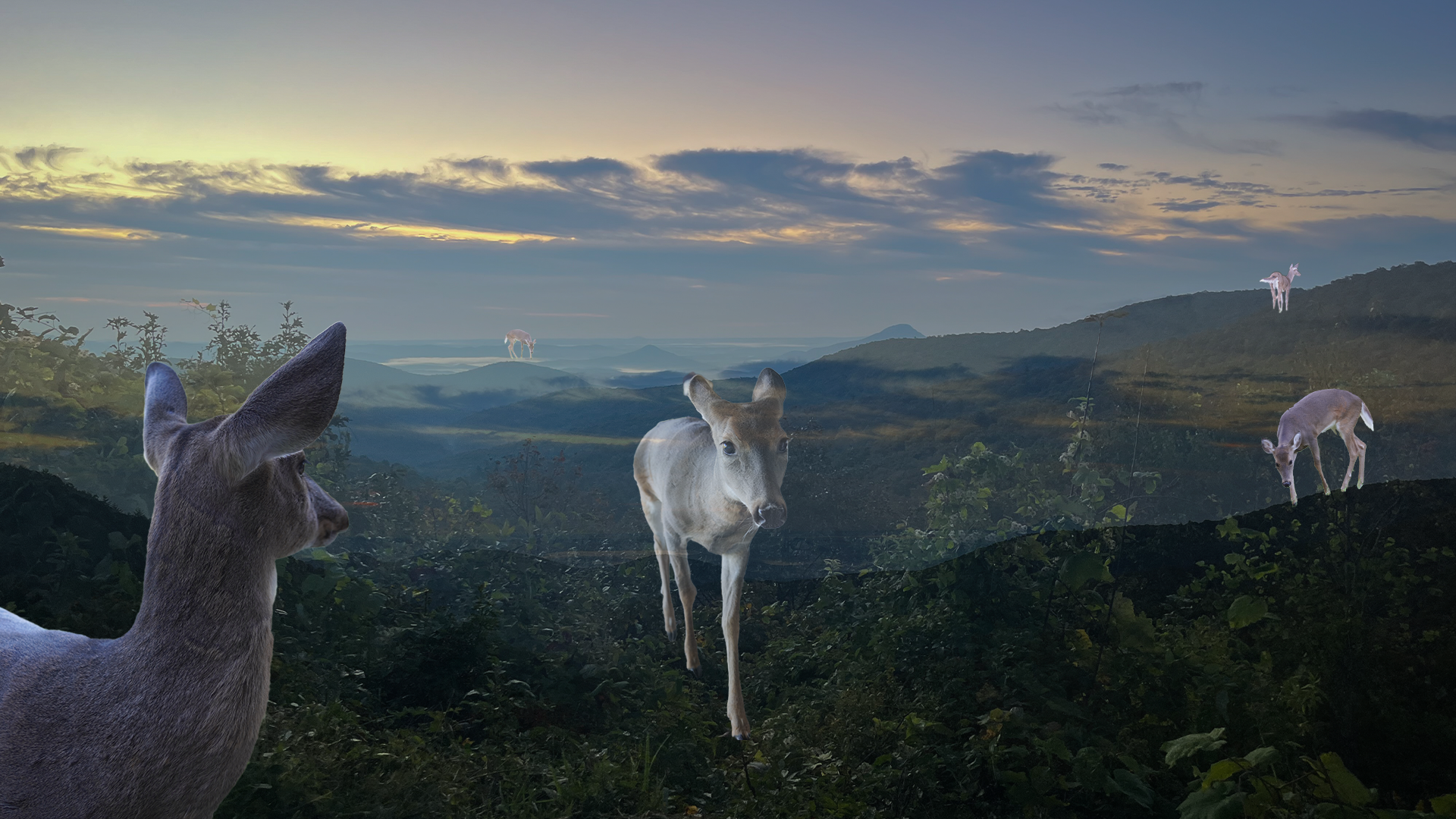
To begin my serious play project I created three collages within photoshop to act as potential inspiration for my project. The first displayed below was created with a goal of being chaotic and yet somehow still calming, possibly through colors. My second collage included bright colors and flowers, with my dogs’ face blooming from a few, to represent the happiness she brings to me. The third collage was inspired by nature, including a mountainous landscape and a deer that often comes to visit my families home.
Flat Image- Step Two:
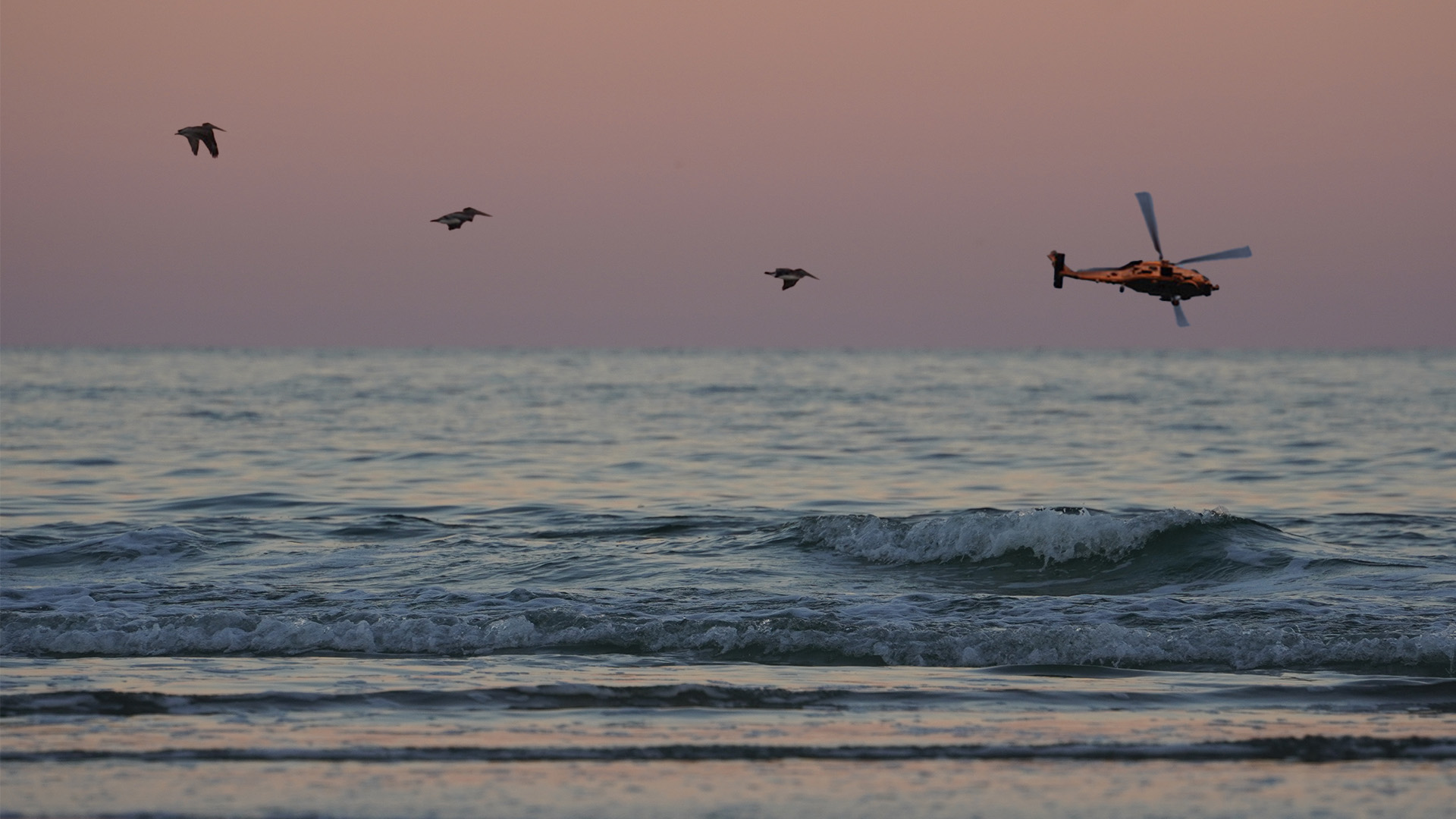
For the flat image I decided to lean into the scene of birds and helicopters over the ocean. Ultimately I decided to have the birds follow the helicopter, symbolizing following the leader.
At this point I was playing around independently with photoshop. I learned how to isolate subjects within images, which I used to create the birds, helicopter, and wave portion for the objects to dive behind.
Final GIF- Step Three:
To finalize my project I duplicated the isolated images of a few different wing positions of birds, and placed them in two lines starting from the left of the screen to behind the wave. I then repeated the process with a line of helicopters.
I sorted the birds and helicopters into layers, most containing one helicopter and two birds. The layers were made visible in a specific order through the timeline function, creating the illusion that birds were following a helicopter into the ocean, wings flapping.
The words were done in a similar fashion, snipped from word, isolated, laid out, and moved into layers. I made the layers slowly darken.
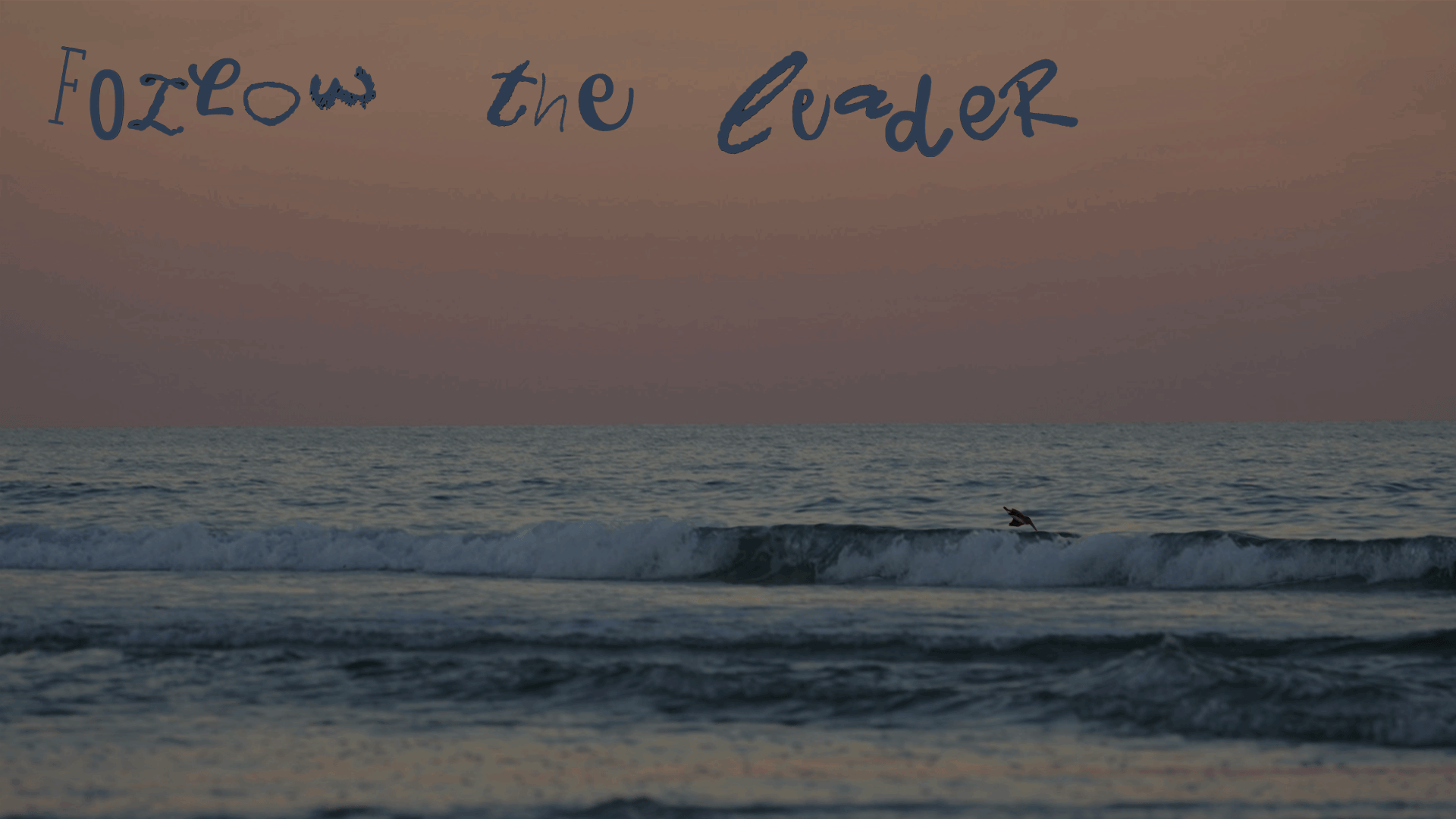
I was inspired to create a gif that represented the negative effects of following a leader blindly, as the birds follow the helicopter to their crash.
Bibliography
“How to Darken Images in Photoshop-3 Best Tools Explained.” Brendan Williams. January 28, 2023. https://www.youtube.com/watch?v=7SlDjgVRqf
I used this tutorial to make the gif slowly darken by each layer.
“Mean Girls: The Burn Book Hardcover Ruled Journal.” Insight Editions. August 6, 2019.https://www.barnesandnoble.com/w/mean-girls-insight-editions/1130336485
I took inspiration from the collaged lettering of the mean girls book to make my letters.
“Helicopter Crashed into Sea.” Shutterstock. June 5, 2014.https://www.shutterstock.com/image-vector/helicopter-crashed-into-sea-197094797.
I took inspiration from how they made the helicopter disappear behind the wave.
“Bird Flying (gif).” Pinterest. 2024. https://www.pinterest.com/pin/358669557816292612/.
Observed how the multiple wing positions made the bird appear to be flying.
“How to Remove a Background in Photoshop [For Beginners!].” Photoshop Training Channel. January 20, 2021. https://www.youtube.com/watch?v=BQQqnn2uZv4
Used to perfect removing a background.
